


Handwritten notes remain an important way to record ideas, study information, and organize daily tasks. However, traditional notes can be difficult to store, search, edit, and share. A smart writing pen offers a practical way to combine traditional handwriting with modern digital note-taking.
What Is a Smart Writing Pen?
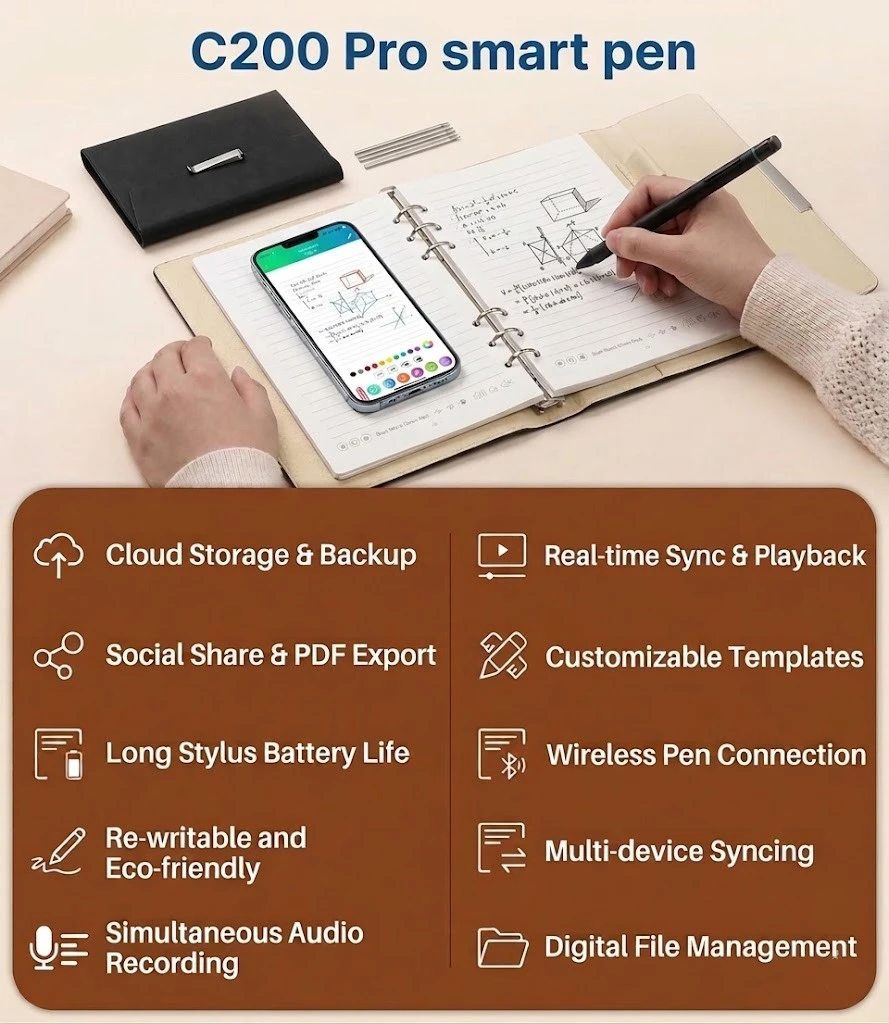
A smart writing pen is designed to capture handwriting and drawings from a compatible notebook with a special dot pattern. When users write on the notebook, the pen records the writing process and synchronizes the content with a connected mobile application.
Unlike completely digital writing devices, this solution allows users to continue writing on physical paper while creating a digital copy at the same time.
How Does Digital Note-Taking Work?
Using a smart pen for digital notes generally involves three simple steps.
First, use the smart writing pen with a compatible dot-pattern notebook. The special pattern provides positioning information that allows the pen to recognize handwriting and drawing movements.
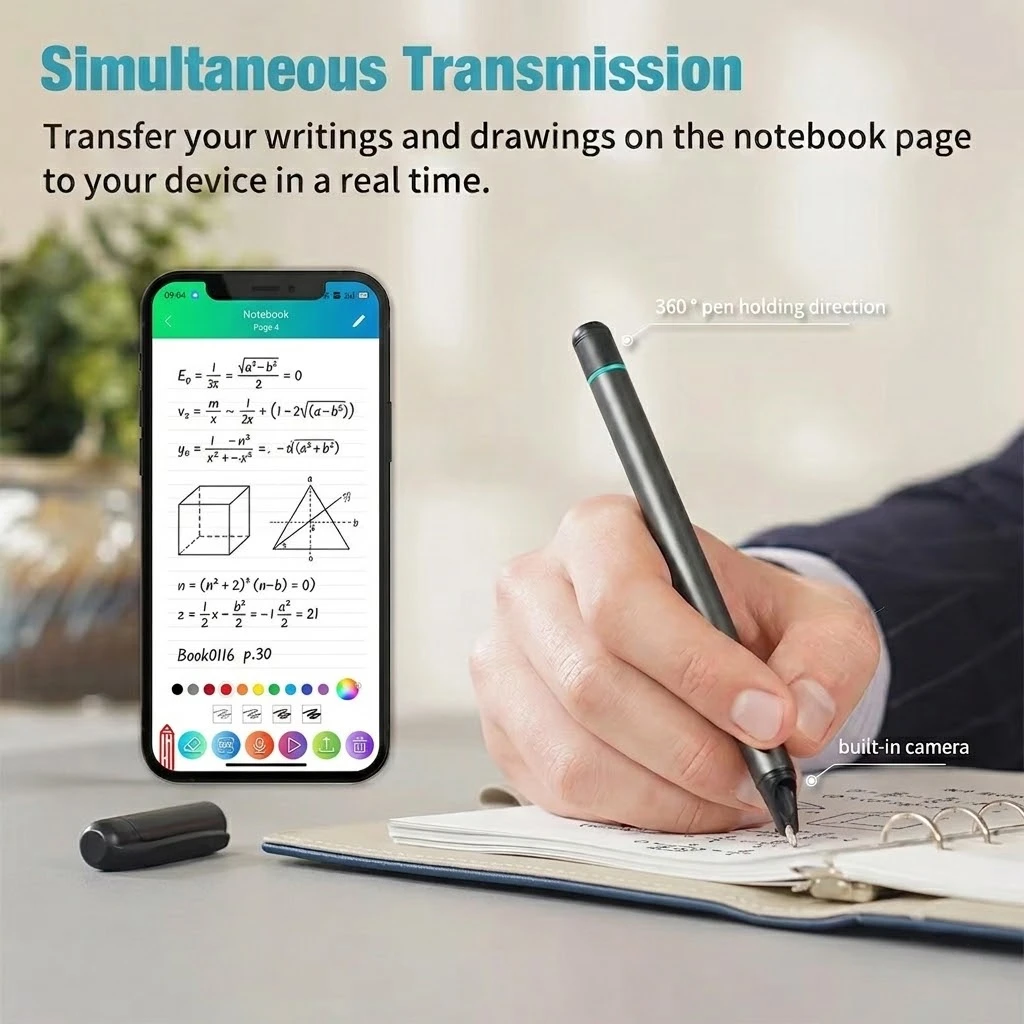
Second, connect the pen to the mobile app. Once connected, handwritten content can be synchronized to a smartphone in real time. Users can view their notes and drawings digitally without manually typing or scanning every page.
Finally, organize and export the digital content according to different needs. The app can support multiple export formats, including PDF, PNG, GIF, and MP4, making it easier to store, share, or reuse handwritten content.
Benefits of Using a Smart Pen for Digital Notes
A smart writing pen can improve the way users manage handwritten information. Students can use it to organize study notes, while teachers can digitize classroom materials and written activities. Business professionals can also use smart pens for meeting notes, project planning, and brainstorming.
For designers and creative users, the technology can help transfer sketches and handwritten ideas into a digital workflow.
Another important benefit is easier digital archiving. Instead of relying only on physical notebooks, users can keep digital copies of important notes on their mobile devices for convenient storage and sharing.

Build a More Efficient Note-Taking Workflow
The combination of a smart writing pen, dot-pattern notebook, and mobile app creates a bridge between physical and digital note-taking. Users can write naturally on paper, synchronize their content in real time, organize digital notes, and export them in different formats.
For education, business, creative work, and personal planning, smart writing technology provides a flexible way to preserve the benefits of handwriting while making information easier to manage in a digital environment.